
These days, AI sits in almost every part of my working day.
A meeting wraps up, and I ask it to summarise the next steps. A new brief comes in, and I ask it to organise scattered notes. I start designing, and I ask it to propose a few different directions. I start building a site, and I ask it to write code, catch spots I might have missed, or handle the repetitive parts.
Even writing this article, I used AI to help find research from several countries, compare findings, and look for angles I might have overlooked.
Work that once took weeks starts to take shape in a few days. Things I used to think were beyond me become at least worth a first try.
It's genuinely useful, and I don't think everyone should go back to doing everything by hand. But the more I use it, the more one question stays with me.
My work is getting better — but am I still growing too? Am I picking up new skills?
I'm not afraid that using AI today will make me measurably less smart tomorrow. There's no clear evidence for that. What worries me more is that I might slowly skip parts of thinking without noticing.
I get an answer, but don't know where it came from. I pick one option, but can't say why I chose it. I can suddenly do things I couldn't before — but on a day without AI, or when the credits I'm running on run out, I don't know where to start.
So this article isn't a call to stop using AI. It's an invitation to look at how we let it help us work — without accidentally handing all of our thinking to AI.
It starts with a classroom in Turkey
Picture a maths classroom. One group of students works through problems with a book and paper, as usual. Another group has AI beside them — type a question whenever you're stuck, and it can walk you to the answer. The last group also has AI, but this one is told not to rush the answer: ask questions back, point out mistakes, and give hints little by little, like a tutor.
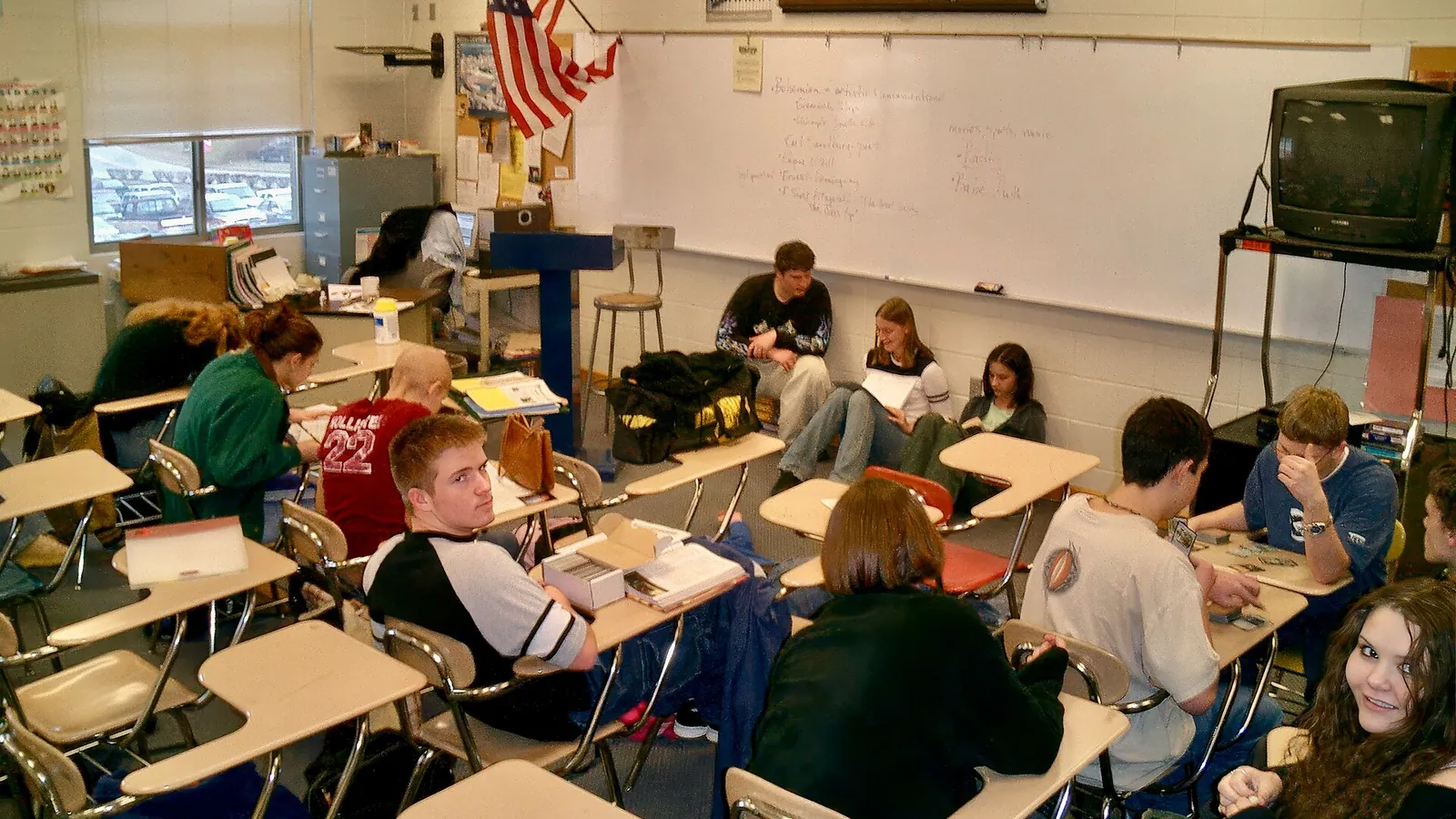
Researchers ran this with nearly 1,000 high-school students in Turkey. During the practice problems, the results looked great.
Looking at the practice phase alone, AI seemed to make students much better. But afterwards, every student had to close the computer, put the book away, and take an exam on their own. Now the results changed. The group that had used general AI scored lower than the group that never used AI, while the step-by-step tutoring group didn't get worse — but still didn't beat the no-AI group.
During practice, students looked much more capable, but once the helper was gone, not everything they could do stayed with them. This study doesn't say AI can't be used for learning. What it says is that how AI helps us matters as much as having AI at all.
If AI rushes the answer to us, we may clear the problem in front of us quickly. But if it asks back, makes us try, and won't give it away easily, we may be a little slower — yet we still get to practice thinking. And this doesn't only happen in classrooms. Work is similar, except there's no end-of-term exam to tell us whether what we can do today has really become our own ability yet.
Source: Generative AI without guardrails can harm learning, PNAS
The task ships — but does the understanding stay with us?
Say I'm handed an Excel file I've never seen, and I ask AI to write all the formulas. A few minutes later, the numbers are complete, the work ships, the client is happy. In terms of the task, I've succeeded. But if next week the file's structure changes, the formulas break, and AI gives a wrong answer — do I know where to fix it?
These are two things that look alike but really aren't.
- Passing the task means I can hand in the work today.
- Understanding that stays means next time I can start it myself, check it myself, or solve a new problem better.
AI makes tasks pass very fast, but that doesn't mean understanding comes with it every time. Of course, not every task has to become a lesson. If I already know how to do it and the task is just repetitive formatting, letting AI handle it makes complete sense — I don't need to prove I can do it by hand every time.
But some tasks are the very space where we practice the skill we'll one day use to check AI itself. If I've never tried outlining a piece myself, it's hard to know whether the article AI arranged is actually good or just looks tidy. If I don't understand how a site is structured, I won't know what problems today's working code will cause down the line. If I've never talked to users, I won't know whether the persona AI wrote is close to a real person or just a broad description that fits anyone.
So before I ask AI to do something for me, it may be worth asking one more question:
Do I just need this task done, or am I using it to practice something I still need?

Having tools to help isn't a bad thing
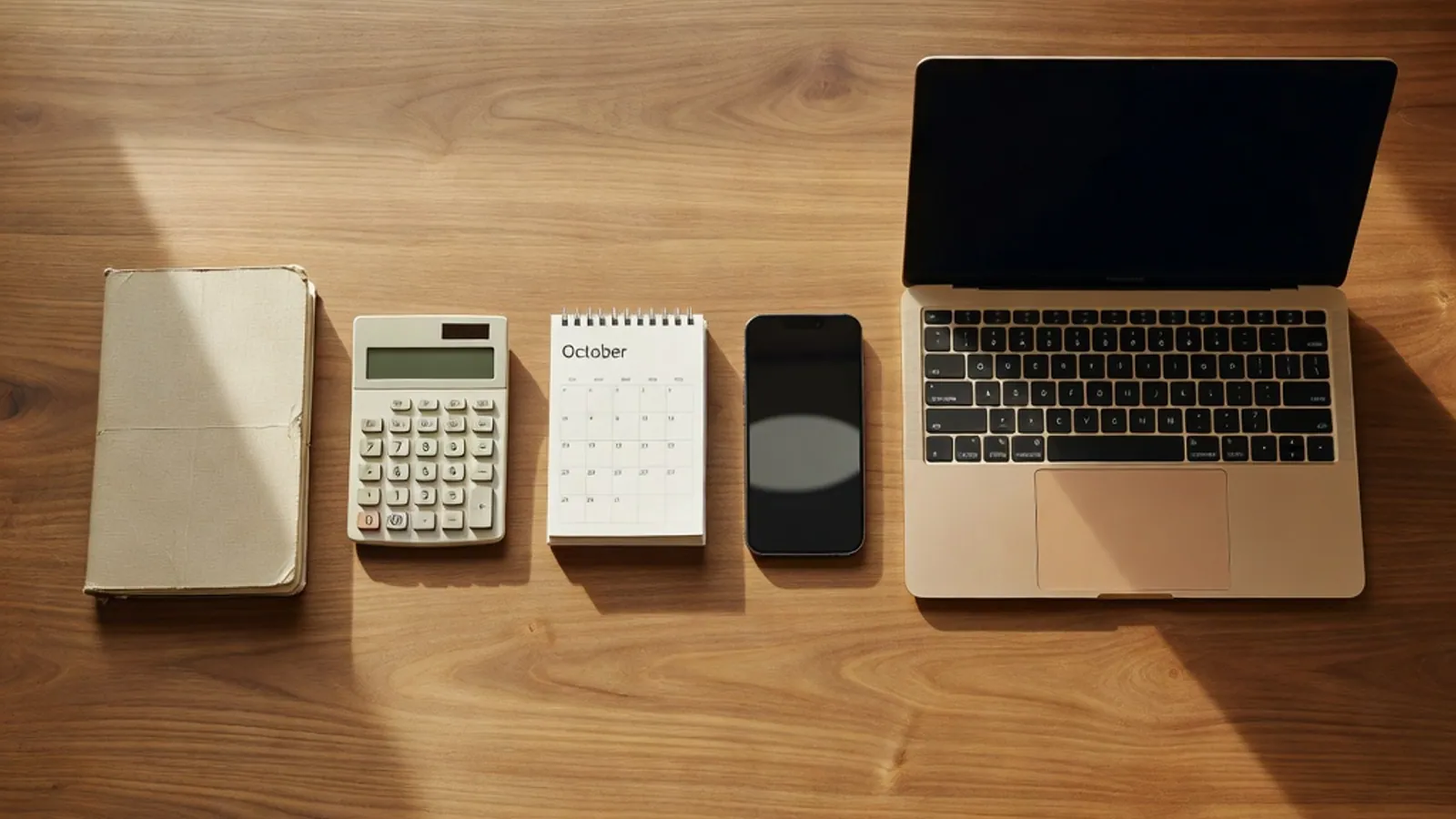
In truth, we've always used tools to remember and to do. We take notes, because we don't need to keep everything in our heads. We use calculators, because we don't want to spend effort on every digit. We use calendars, because no one should have to remember every appointment themselves.
So letting a tool think or remember part of the work doesn't always make us think less. Sometimes it gives back time and energy for the things that matter more. What makes AI different is that it doesn't only help with small steps.
A calculator computes, but it doesn't write a whole business plan. A calendar remembers a meeting date, but doesn't summarise who agreed, who's still hesitant, and what we should decide next. AI can take a broad brief and hand back something that looks nearly finished — an article, a plan, a screen, even code.
So what we skip may not be just the fiddly bits, but also the stretch we once spent asking questions, trying and failing, connecting information, and slowly understanding the problem ourselves.
Let's look at one working day
9:07 — after a client meeting
AI summarises it as “the client approved this direction.” It reads clearly, ready to forward to the team. But if I'd been in the room, I might remember the client saying “overall it's fine — let me just check with the internal team again.” These two sentences are close, but their effect on the plan is not the same at all. What AI should help with is capturing the topics and next steps. What I still need to hold onto is the mood, the hesitation, and the significance hidden between the lines.
11:20 — starting a new screen
I ask AI for three UI directions. In under ten minutes I get three complete options — cards, a graph, buttons, and copy that looks professional. But look longer, and all three differ only in colour, position, and size; they all use the same underlying thinking. If I ask AI before understanding what the user opened this screen to do, I may get plenty of options that don't actually help me see a new path.
15:30 — the site is working
AI helped write the code, the page opens, buttons work, and it feels like fast progress. But on a real phone, one button doesn't work, some data goes missing, and there's duplicated code in several places. This isn't a reason to go back to writing every line myself — it's a reason I still need to understand enough to test it and tell what's wrong.
21:00 — help me write this article
AI sends back a complete piece — an intro, sections, a conclusion, no obviously wrong words. But by the end, I can't remember which sentence was something I actually wanted to say. The language can get tidier, but the sense of ownership can get thinner too.
AI isn't always great — it aces hard tasks, yet slips on ones that look similar
There's a large study run with 758 Boston Consulting Group consultants. On tasks AI does well, people using GPT-4 saw clear gains.
The first set of results is excellent, and it's why the line “AI is useless” simply isn't true. But switch to another kind of management problem — one with fine details you have to read right — and people using AI answered correctly even less often than those who didn't.
The catch is that these two problems don't come with a label saying “AI's good at this one” or “don't lean on AI here.”
AI's line of competence isn't straight and smooth like a wall we can clearly see — it rises and dips. Some tasks that look hard, AI handles brilliantly; but a task right next to it that looks similar, it fumbles. Researchers call this jagged line the Jagged Technological Frontier — or put simply, we can barely guess where the line between “trustworthy” and “not yet” actually sits.
Scarier still: a wrong answer from AI never looks wrong. It's beautifully composed, reasoned point by point, worded with confidence, and reads as more credible than the correct answer. Picture a 10-page report AI made for you — gorgeous, full of tidy tables — but it misread a key number on the very first page… every page after lines up neatly on a faulty foundation. Through all of it, if we only ask whether the report “looks good,” we'll never catch the problem.
Source: Navigating the Jagged Technological Frontier, Organization Science 2026
We haven't stopped thinking — but the job of thinking is shifting
Microsoft Research and Carnegie Mellon University surveyed 319 knowledge workers across 936 real instances of AI use. People who trusted AI's answers more tended to say they checked and questioned the work less. People confident in their own knowledge were more willing to check, push back, and spend effort thinking about the answer.
This study doesn't say AI makes our thinking disappear — it says we're spending our thinking on something else. Before, we might have spent time drafting the answer ourselves. Now AI can draft it, so our job shifts toward choosing, checking, fixing, and deciding what fits the real situation.
For design work, the first screen may appear far faster than before, but we still have to answer these:
- What did the user open this screen to do?
- Does AI have all the information it needs?
- Does what it proposed truly fit this group, or does it work broadly for any app?
- If user ease clashes with a business constraint, how do we choose?
- If we decide wrong, who bears the impact?
- Can we explain our reasoning so the team and client understand?
So being good with AI isn't just prompting well — it's knowing what to ask, what to verify, and where we have to be the one who decides.
Note: this work asks users about their experience — it isn't a test measuring whether the brain or ability actually declined. · Read the Microsoft Research paper
But AI really does let ‘one person’ do the work of ‘a whole team’
If I only talked about the risks, that wouldn't match my experience either. In an experiment with 776 Procter & Gamble employees, one person using AI could develop product ideas about as well as a two-person team without AI — and in less time.
AI also helped business people propose more technical ideas, and helped researchers see the business side more broadly, like having a teammate who fills in the angle you're weaker at. For someone without a big team, without every area of expertise, or on a limited budget, this is a real opportunity.
I've tried using AI to build a few tools of my own too — especially the parts that repeat, or ideas I want to test quickly.
Products like Moodboard Studio, Manifest, Today, and Team Shape all came about in a time when AI let one person build the real thing far faster than before. But none of them started from opening a chat and typing “come up with a product for me.”
Moodboard Studio, for instance, started from a real problem I hit in design work. A client says they want something “warm, modern, and friendly.” Everyone nods as if they agree — but back at choosing colours, fonts, and images, each person pictures “warm” completely differently. So I wanted a space where everyone could lay colours, fonts, and personality side by side to get on the same page before the work begins.
Team Shape didn't start from a feature either, but from a question: on a diverse team, do we really know each other well enough — who's good at what, who wants to grow where, or who could use a hand — without it becoming a score or a performance review.
AI took the load off the repetitive parts, helped think through cases I might miss, and turned these ideas into something you can press and try in no time. But the problem to solve, the way to treat people, and how users should feel still have to come from my own experience and judgment.
So the order of work isn't as easy as “ask AI, get a product” — it's closer to this:
Meet a real problem → understand it → set the direction → let AI help build → we check → real people try it → come back and fix it again
Further reading: The Cybernetic Teammate, Harvard Business School
Work can look better — but it can also blur into sameness
There's a short-story writing experiment that found AI helped lift each person's work to feel more novel and interesting, especially for people who weren't naturally strong at creative work. That's good news, because AI breaks down the “blank page” wall so we can start more easily.
But when you put everyone's work together, the AI-assisted pieces turned out more alike than the work each person came up with alone.
Think of asking AI to design three landing pages. You might get three that all look lovely — but strip out the images and colours, and the structure inside is almost the same template: a big headline in the middle, three cards, four stat boxes, and an action button at the bottom.
AI can raise the average quality, but if everyone starts from the same set of suggestions, our work slowly drifts toward “the same average.”
So what we should hold onto isn't a promise to do everything by hand, but the skill to say what personality this work should have, what doesn't fit us, and why.

Source: Generative AI enhances individual creativity but reduces collective diversity, Science Advances
Faster in feeling isn't always faster in fact
84% of developers worldwide were already open to AI in 2025 — but the biggest problem they hit wasn't about what AI can do.
It's the “almost right” that's exhausting, because if something is clearly wrong we can drop it immediately — but when it almost works, we have to hunt for the small wrong spot hidden somewhere. In another experiment, experienced developers working on projects they knew well in early 2025 were found to take about 19% more time when using AI, even though many felt AI made them faster.
That said, this number can't be applied directly to today's AI, because the tools change so fast. The research team itself reported in 2026 that newer AI tends to help more, but the experiments get harder to measure — people fluent with AI don't want to be randomly assigned to work without it, and some run several agents at once, so “how long did it take” isn't as simple to measure as before.
So what to take from this isn't a conclusion that AI always makes us faster or slower — it's: don't measure only the time you seem to save; count the time to check, fix, and understand what AI hands back too.
Source: Stack Overflow Developer Survey 2025 and METR: Developer Productivity Experiment Update 2026
And what about the news that ChatGPT makes your brain work less?
In 2025, one experiment was shared widely, because researchers used EEG to measure brain activity while participants wrote essays. They split people into three groups — writing on their own, using a search engine, and using AI to help write.
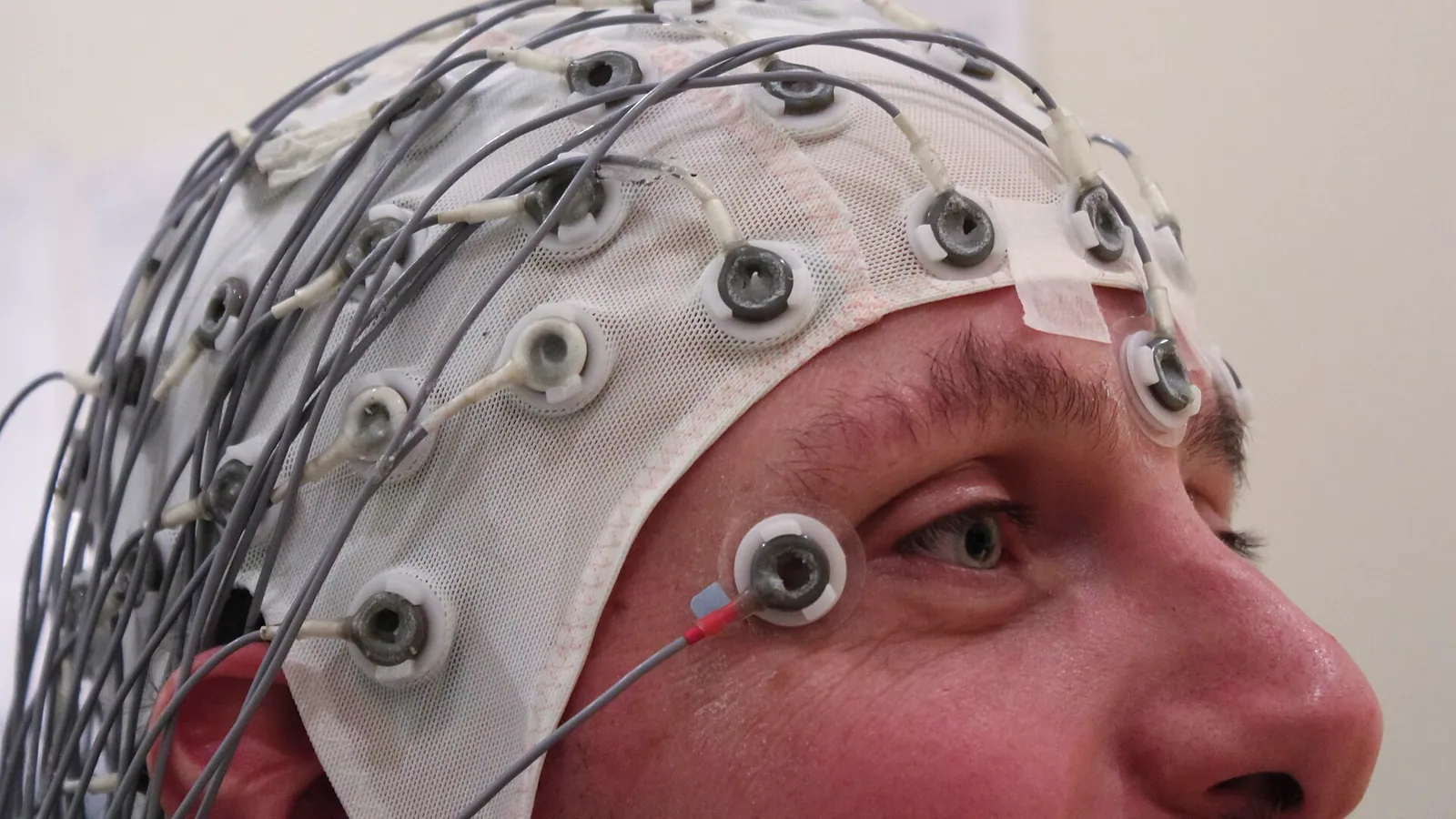
The finding was that the write-on-their-own group had the widest brain connectivity, the search group was in the middle, and the AI group was lowest. The AI group also remembered less of the text from their own work and felt less ownership of it.
But be careful before concluding “AI rots the brain.” This is only a preprint awaiting review, with a sample of just 54 people — and, crucially, lower brain activity in one task doesn't mean a drop in IQ or a permanent loss of intelligence.
What's more interesting and usable is that the group that thought on their own first, then used AI in a later round, remembered and engaged with the work better than the group that started with AI and then came back to think.
Order may matter — if we see AI's answer first, that answer tends to become our first frame.
Even if we mean to change it, we start thinking inside the world AI already chose. But if we have our own first thought first, AI becomes something that expands it, rather than the one choosing the whole starting point.
AI's answer becomes the big frame around our thinking. Even if we mean to change it, we start inside the world AI already chose.
Our own first thought comes first, then AI branches into extra questions and options — expanding it, not choosing the starting point.
Source and the study's limits: Your Brain on ChatGPT, arXiv preprint
How much should AI help with which kind of work?
We don't have to choose between “use AI for everything” and “never use it.” Look at the purpose of the work instead.
| What kind of work | What to let AI help with | What we should still do ourselves |
|---|---|---|
| Repetitive work we already know how to do | Format, summarise, transform data, first drafts | Check completeness and accuracy |
| New work we want to learn | Explain, ask back, give hints, check what we've tried | Try thinking and doing before asking for the answer |
| High-stakes work — money, people, or key decisions | Help find options and blind spots | Check real sources, weigh it up, and decide ourselves |
| Work that needs a voice — our personality or point of view | Break out options, check the language, challenge our thinking | Start from experience, set the direction, and write the conclusion ourselves |
| Work with no foundation at all | Teach the basic terms and what to study next | Don't put the answer into real use until a person or source can verify it |
The higher the stakes, the less we should let AI be the one proposing, checking, and approving the same answer. And the less we understand something, the more we should use AI as a teacher rather than a finisher.
How to use AI without disappearing from your own work
You don't need many extra steps. Try keeping just four beats.
1. Write your own thoughts down first, briefly
Before opening AI, try writing just 3–5 lines.
- What I think the problem is
- What I already know
- Where I'm still unsure
- What constraints must not disappear
It doesn't have to be good. The point is to capture your first thought before seeing an answer that looks more complete.
2. Ask AI to question and push back on you
Instead of only asking “do this for me,” try questions like these:
- Where does this idea still have holes?
- If this idea is wrong, why would it be wrong?
- Propose three genuinely different approaches in thinking — not just a change of appearance.
- Don't give the answer yet — ask me one question at a time until I can see the problem first.
AI is great at flattering our ideas until they look good — if we don't tell it to push back, it'll happily polish a wrong idea until it looks flawless.
3. Leave the chat and check outside
For important information, open the real source and check it. See who wrote it, when it was published, what it cites, and how far the study actually reaches. Don't just keep asking the same AI “are you sure this is right?” — that's no different from having the same person who made the mistake grade their own exam.
4. Close AI and retell it
After finishing, close the original answer and ask:
- Can I explain this in my own words?
- Do I know why I chose this path and not another?
- If someone says it's wrong, do I know where to go back and check?
- If I meet a similar problem tomorrow, can I start more of it on my own than before?
If you still can't answer, it doesn't mean the work is unusable. It just means the task is done, but I still need to go back and understand it a little more.
↺ We still own the work
You don't have to do it all yourself — but you have to know what can't be handed to AI
An OECD report from July 2026 says that even as AI can do more, foundational skills like reading, numeracy, and science knowledge are still needed. Meanwhile critical thinking, creativity, and working with others matter more, because they're what let us use AI well, catch it when it slips, and keep learning new tools.
For a designer, we may not draw every part ourselves, but we still need to understand which information should stand out, where users will tap, and what effect that screen has on them.
For a developer, we may not write every line ourselves, but we still need to understand how the code connects, where to test, and what breaks if it fails.
For a writer, we may let AI help arrange sentences, but we still need to know what we believe, what evidence we have, and which part is genuinely our own experience.
For someone running a project, we can let AI summarise meetings and lay out action items, but we shouldn't hand decisions about people, conflict, and trade-offs to a system that wasn't in the room and bears no consequences for the decision.
We don't have to remember everything or do everything by hand. We just need to know which knowledge is the base that lets us keep checking, questioning, and taking responsibility for the work we ship.

Source: OECD — Skills in the AI Age, July 2026
In the end… do I still want to keep using AI?
The answer is yes — and probably more and more.
I love that it lets one person start testing ideas faster, makes things that once felt out of reach start to feel possible, and cuts the repetitive work so I can give my time and brain-power back to what matters more.
But I don't want to measure my skill with AI by “the number of things I can produce.” I'd rather ask: am I asking sharper questions, seeing limits more clearly, explaining the reasons behind my decisions — and after finishing one piece, what skill carried over to the next?
I don't want to go back to doing everything slowly by hand… I just want to be sure that on the days AI helps me do more, I'm not slowly disappearing from my own work.

Fold the AI screen down for a moment…
Can you still answer: what am I doing,
who is it for, and why?
How to read these numbers without overstating them
Research on AI changes very fast. Each study's result depends on the AI version, the task type, the user's experience, and how researchers measured it — so no single study should be used to conclude that AI makes everyone smarter or dumber.
- The Turkey student study is a large real experiment, but it happened in maths and a single school.
- The Microsoft and Stack Overflow work comes from what users report or rate themselves, so it shows many people's experience but can't directly confirm AI is the whole cause.
- Your Brain on ChatGPT is still awaiting review, with a small sample, and doesn't prove IQ dropped.
- Results with 2024–2025 AI may not match 2026 tools, because capability and how we use them change fast.
So this article isn't after an answer of “AI good or bad.” It's trying to separate out that finishing fast, better output, deeper understanding, and a sense of ownership are all different things.
Main sources
- Bastani et al., Generative AI without guardrails can harm learning: Evidence from high school mathematics, PNAS, 2025.
- Dell'Acqua et al., Navigating the Jagged Technological Frontier, Organization Science, 2026.
- Lee et al., The Impact of Generative AI on Critical Thinking, CHI 2025.
- Kosmyna et al., Your Brain on ChatGPT, arXiv preprint, version 2, 2025.
- Doshi and Hauser, Generative AI enhances individual creativity but reduces the collective diversity of novel content, Science Advances, 2024.
- Dell'Acqua et al., The Cybernetic Teammate, Harvard Business School Working Paper summary, 2025.
- Goh et al., Large Language Model Influence on Diagnostic Reasoning, JAMA Network Open, 2024.
- Stack Overflow Developer Survey 2025.
- METR, We are Changing our Developer Productivity Experiment Design, 2026.
- OECD, Skills in the AI Age, July 2026.
